

There is nothing more frustrating than finding the perfect pair of designer sneakers or that cozy Essentials hoodie, only to have the CNFans link insertion fail. If you’ve been seeing “Product not found” or an infinite loading screen for the past few days, you aren’t alone. In 2026, as shopping agents handle record-breaking traffic, these technical hiccups are bound to happen. But a pro-shopper knows that a broken link doesn’t mean a broken haul.
Guide to Fixing Link Issues
Why Your CNFans Link Isn’t Loading
Most of the time, when link insertion stops working, it’s due to one of three things: API Maintenance, Seller Restrictions, or URL Metadata. As of February 2026, several major Chinese marketplaces have updated their security protocols, making it harder for agent scrapers to pull data automatically.
If you are using the Best Cnfans Spreadsheet 2026, you know we try to keep links fresh, but even the best sheet can’t fix a temporary server outage on the agent’s side. If the site is slow, try clearing your browser cache or switching to the mobile app.
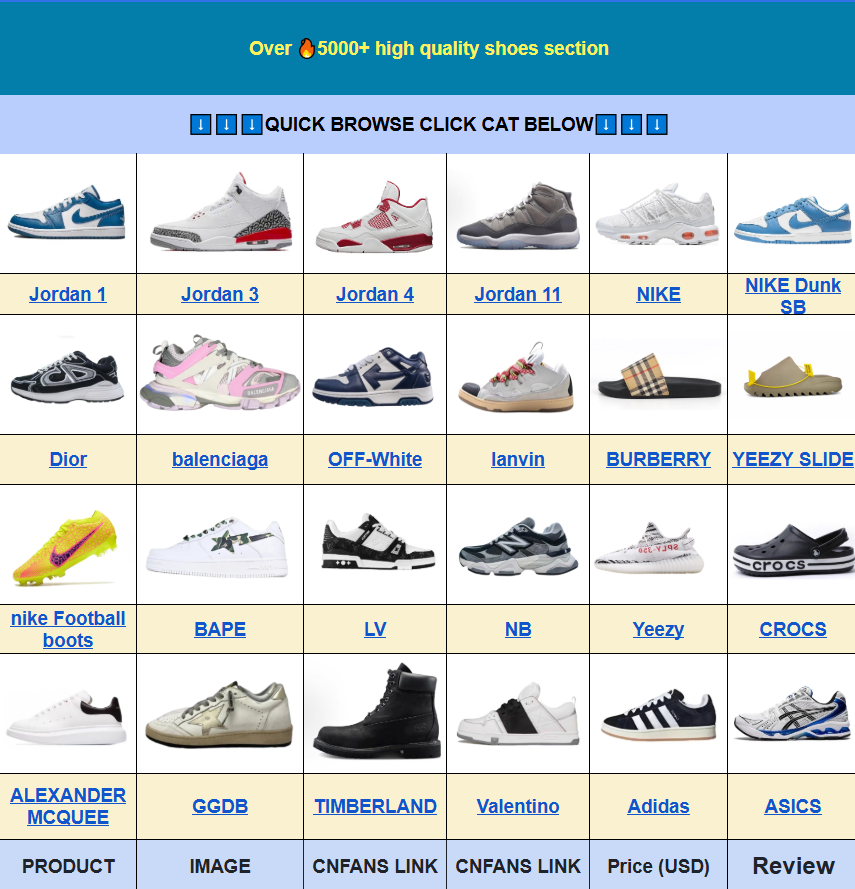
The 100% Success Rate: Manual Buy Tutorial
When the automatic scraper fails, don’t wait for a site update. Use the Manual Buy (sometimes called “Expert Service”). This is the “secret weapon” for veteran haulers.
Follow these steps:
- Paste the “broken” link into the CNFans search bar.
- When the error pops up, look for the “Fill in manually” button.
- Enter the product name (e.g., “Essentials Grey Sweatpants”).
- Check the original shop for the price in CNY and enter it.
- In the “Remarks” box, specify your Size and Color clearly.
An agent will manually review your request, verify the price, and buy it for you within 24 hours. It’s a bit more work, but it bypasses all system glitches.
Pro Tip: How to “Clean” Your Links
Sometimes the insertion doesn’t work because the link is too “dirty”—meaning it has too much tracking data. This is common with Weidian and Taobao links shared via social media.
Look at your URL. If it has a long string of characters after the item ID (usually starting with &spm=... or &utm_source=...), delete everything except the main ID. A clean link should look like this: https://weidian.com/item.html?itemID=123456789. This simplified version is much easier for the CNFans Accessories Link Scraper to read.
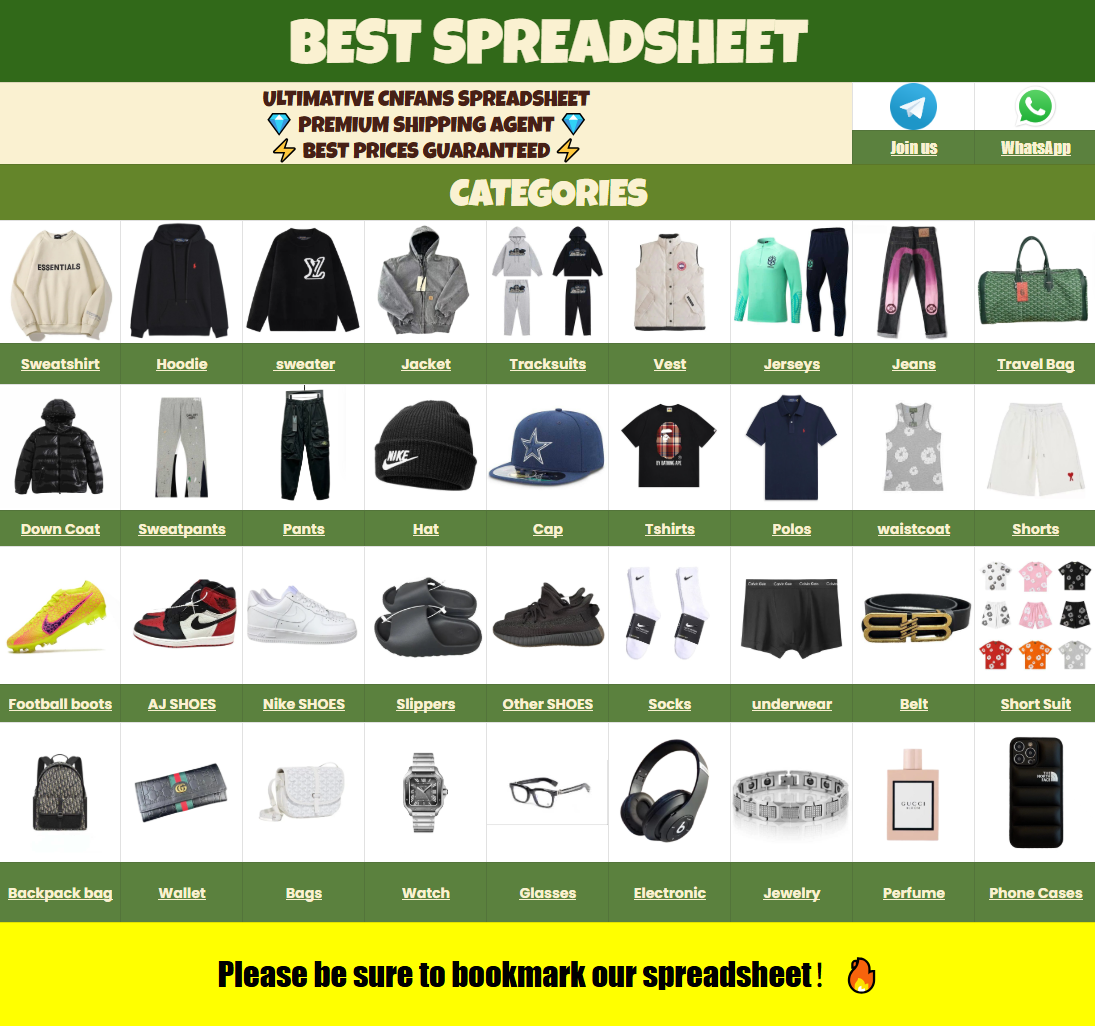
Checking the 2026 Spreadsheet for Backup Links
If a specific seller’s link is consistently failing, that seller might be under a temporary “soft ban” or maintenance period. Your best bet is to find an alternative seller with the same batch. Our Essentials Cnfans Brand Page lists multiple high-quality sellers like GMAN, SYTM, and mysterious budget batches, so you always have a Plan B.
Troubleshooting Checklist
| Issue | Immediate Fix |
|---|---|
| “Product Not Found” | Use Manual Order / Expert Service |
| Infinite Loading Circle | Switch from Chrome to Edge or Mobile App |
| Wrong Price Displayed | Manually edit the price in the order box |
Link Insertion FAQ
A: Only by a few hours. Since an agent has to type in the details instead of the computer doing it, it takes slightly longer, but it’s much faster than waiting for a site-wide bug fix.
Q: Can I still get QC photos with Manual Orders?
A: Yes! Once the item arrives at the warehouse, you will receive the same standard high-quality photos as any other order.
Don’t let technical errors stop your style. Whether you are hunting for the latest sneakers or building a cozy loungewear set, staying flexible with your ordering methods is key to being a successful international shopper in 2026. Keep those hauls moving!